Every month, I offer a Studio Special Sale where one selected class is available at 60% off for that particular month.
Each month has a different class on sale, and the discount code also changes every month.
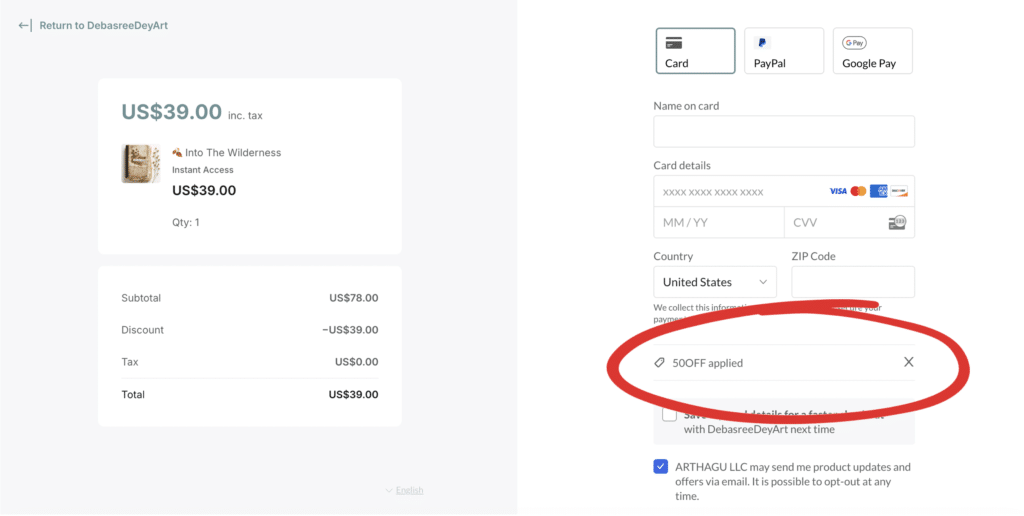
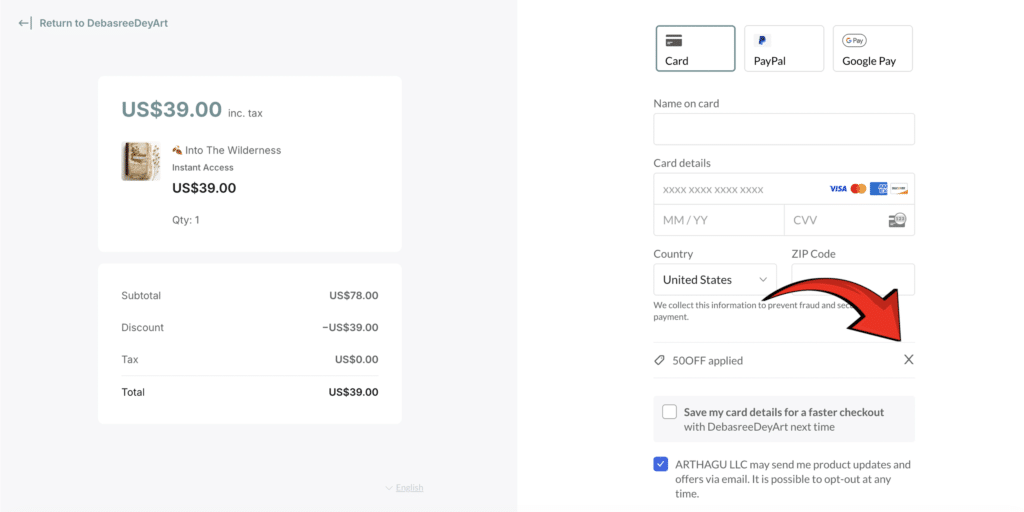
If you are seeing only a 50% discount at checkout, don’t worry 
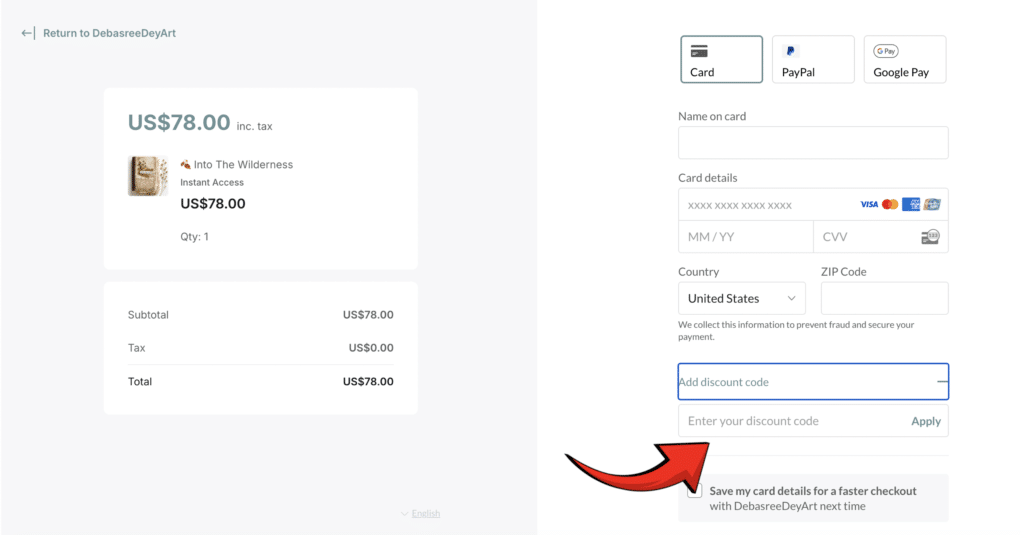
A default 50% coupon is automatically applied by the checkout system, and you simply need to remove it before entering the current month’s 60% discount code.
 Important:

Every month, the special 60% Studio Sale code is shared exclusively with my email subscribers 
If you would like access to future Studio Sale discounts, special class offers, and early announcements, make sure you are signed up for my newsletter.
My VIP email community is always the first to receive the current month’s Studio Sale code.